Communications
Automate Candidate Communications in Workday
Spend less time sending scheduling emails and chasing responses. Rooster’s interview scheduling software connects candidate communications, calendars, and Workday Recruiting to keep interviews moving with less manual coordination.
Rooster System Notifications
System-level alerts that stay behind the scenes
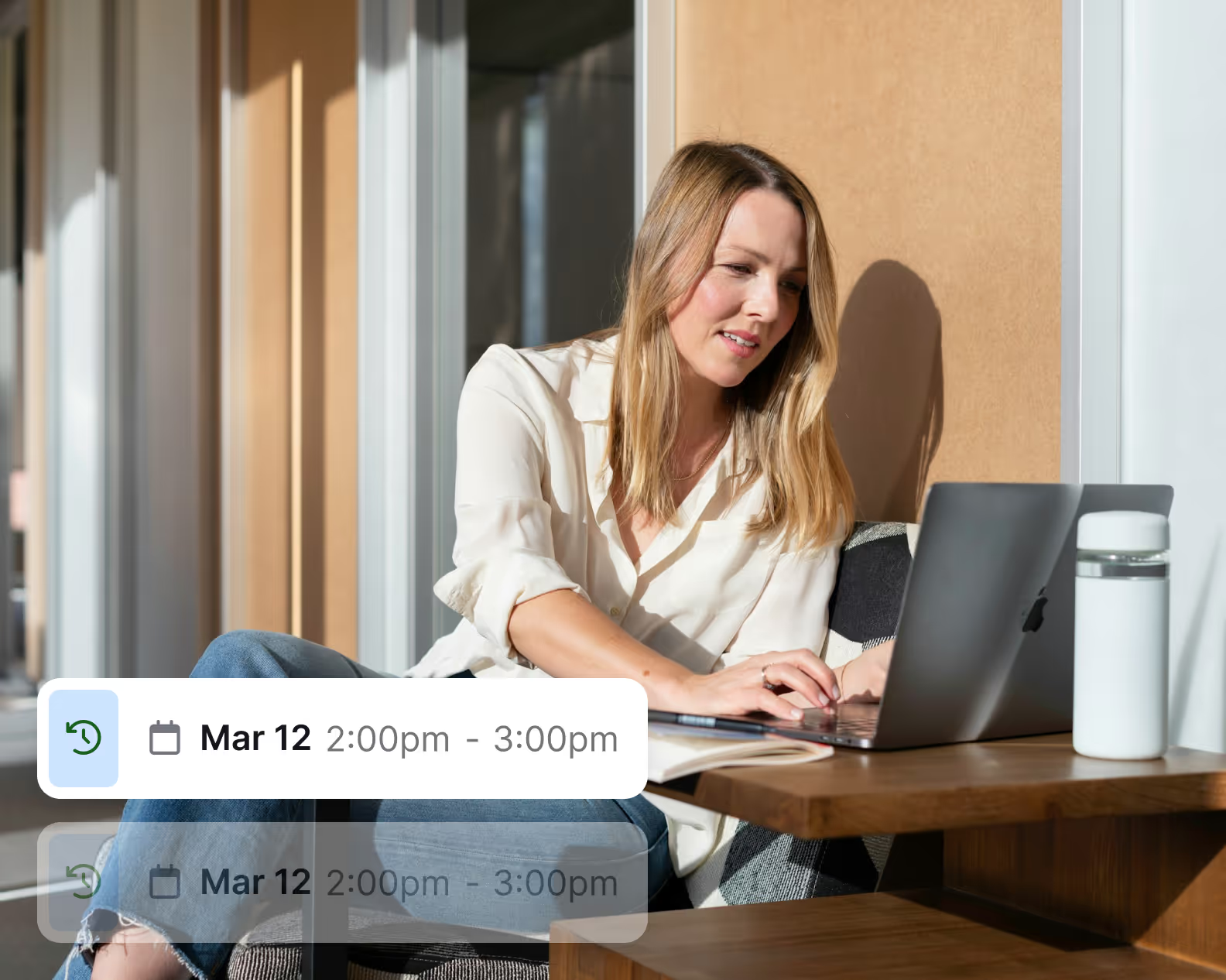
Rooster monitors your platform and sends internal alerts for sync issues, slot conflicts, and configuration changes. These notifications keep everything running smoothly without disrupting candidates or adding extra work for your team.
Calendar sync errors
Workflow issues
Interview slot conflicts
Admin-level updates
Rooster Teams Bot
Interview responses in Microsoft Teams
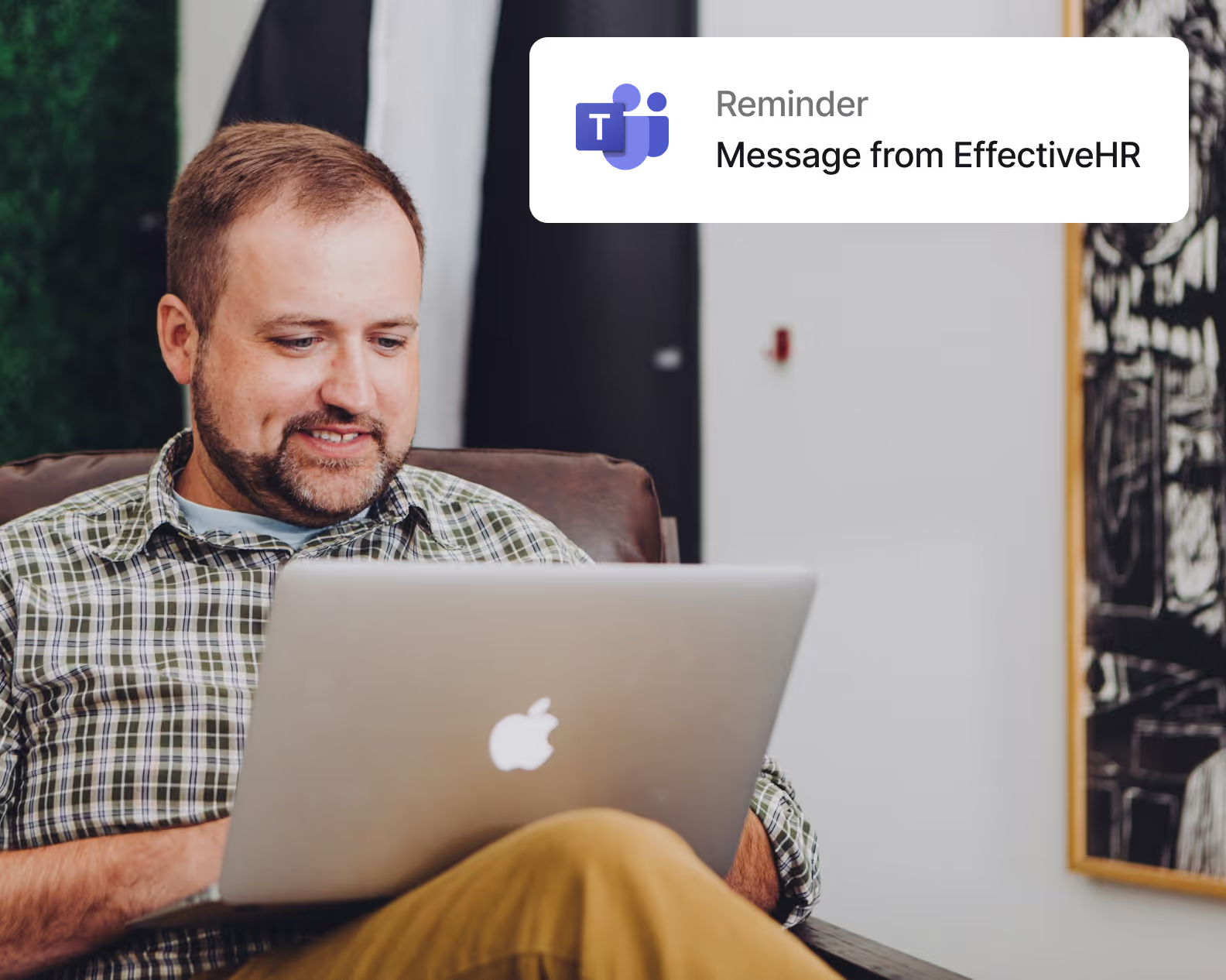
Interviewers can confirm or respond to interviews directly in Teams. Rooster sends invites and reminders where they work, with one-click response options.
Real-time interview notifications
Accept, decline, or respond tentatively
Reminders delivered in Teams
Mobile Messaging
Keep Candidates Updated Wherever They Are
Send availability requests, scheduling links, confirmations, and reminders through email, SMS, and WhatsApp. Help candidates take the next step without another round of manual follow-up.
Availability requests
Interview confirmations
Scheduling links
Automated reminders

Supported messaging platforms
Send updates via SMS, email, and WhatsApp.

SMS

Microsoft Outlook
More coming soon...
Recruiting’s Hidden Metric
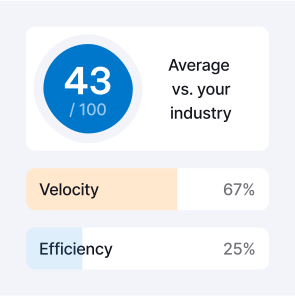
If You Don’t Know Your TAS™ Score, You’re Not Really Recruiting
Hidden inefficiencies in scheduling cost you time, talent, and money. TAS™ makes them visible.
"Breeze of a system and even better customer service! All the scheduling capabilities – personalization, attachments, signatures, timezones, the list goes on… Rooster is our savior"

Kirsten G
Senior Recruiting Coordinator
“Rooster has transformed our interview scheduling experience. The time it takes to schedule a single candidate with a panel has decreased from about 10 minutes to roughly 3.5… We’ve been able to get interviews scheduled sooner, which we anticipate will help reduce time to fill and reach hiring decisions more quickly.”

Rachel S
Manager of Talent Acquisition
“Great time-saving tool! Rooster saves me a lot of time as a recruiter, and it is so nice to have candidates schedule themselves… I’ve saved a lot of time going back and forth with candidates to set up interviews.”
Sheeba S.
Recruiter
Rooster gives back the time in scheduling, and I can use that time to do other tasks… Rooster can assist me in scheduling multiple applicants and meetings required.”
Gary S.
Talent Acquisition Partner
I enjoyed the ease of scheduling interviews and the automation behind it… It’s really helpful to be able to customize meeting invites and also have standardized templates.
Blair P.
Sr. Talent Acquisition Partner, Thomson Reuters
“Rooster allows our Recruiting Team to schedule interviews in a convenient and timely fashion. We save tons of time by using [the] software.”
Kevin P.
Talent Acquisition Manager
Spend Less Time Coordinating Interviews
Connect candidate communications, calendars, and Workday Recruiting so your team can keep interviews moving with less manual follow-up.